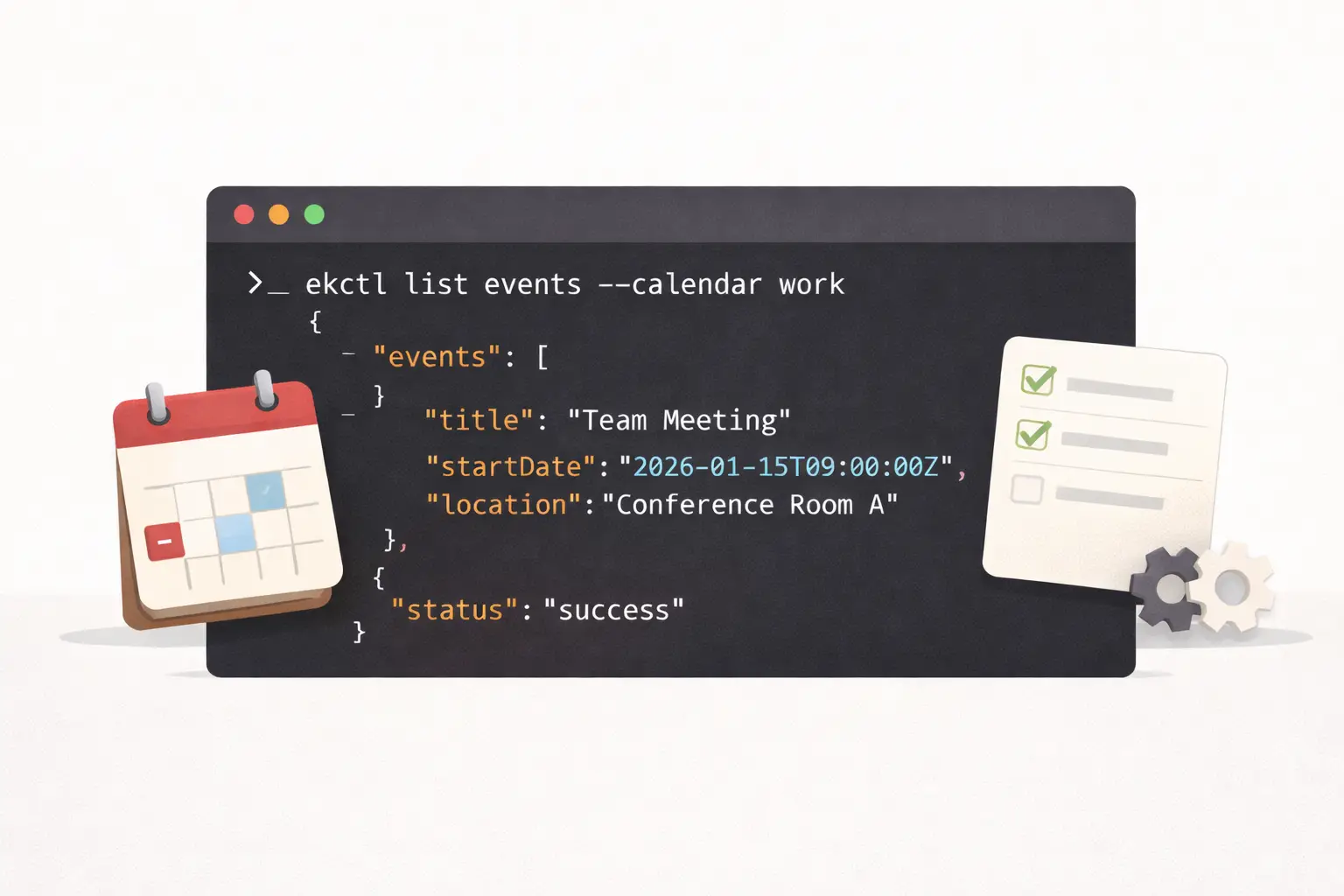
Meet ekctl! 📅 A command-line interface for managing Calendars and Reminders on macOS

ekctl is a native macOS command-line tool designed for automation-first access to Calendars and Reminders—directly from the terminal.
Repository: https://github.com/schappim/ekctl
What is ekctl?
ekctl is a Swift-based CLI that integrates directly with Apple’s EventKit framework, giving you full programmatic control over calendar events and reminders without relying on any GUI apps.
Every command outputs structured JSON. This makes ekctl ideal for scripting, automation, pipelines, and integration with other developer tools.
Core Capabilities
Calendar Events
List calendars across iCloud, Exchange, and local accounts
Query events within precise date ranges
Create events with titles, locations, notes, and all-day support
Inspect or delete events by ID
Reminders
List reminder lists and their items
Create reminders with due dates and priorities
Mark reminders as complete
Filter reminders by completion state
Everyday Automation Examples
List Upcoming Events
ekctl list events \
  --calendar "Work" \
  --from 2026-01-20T00:00:00Z \
  --to 2026-01-27T00:00:00Z
Add a Calendar Event
ekctl add event \
  --calendar "Work" \
  --title "Project Review" \
  --start 2026-01-22T09:00:00Z \
  --end 2026-01-22T10:00:00Z \
  --location "Conference Room A"
Capture a Reminder While Working
ekctl add reminder \
  --list "Personal" \
  --title "Submit expense report" \
  --due 2026-01-25T09:00:00Z
Get Outstanding Tasks
ekctl list reminders --list "Personal" --completed falseWhy This Matters for Claude Code Skills
ekctl pairs naturally with Claude Code skills—custom workflows that extend Claude’s capabilities. Because ekctl is deterministic, local, and JSON-based, it can be safely invoked by Claude to read and modify calendar state.
Skill-Oriented Use Cases
1. Natural Language Scheduling
Convert intent into structured calendar actions:
User: "Schedule a team standup for tomorrow at 9am"
Claude: Calls ekctl to create the event
2. Daily Briefings
Fetch upcoming events and pending reminders:
ekctl list events --calendar "Work" \
  --from $(date -u +"%Y-%m-%dT00:00:00Z") \
  --to $(date -u -v+1d +"%Y-%m-%dT00:00:00Z")
ekctl list reminders --list "Tasks" --completed false
Claude can then summarize the day in natural language.
3. Time Analysis
Query historical calendar data and analyze meeting load, focus time, or scheduling patterns.
The JSON Advantage
Because ekctl outputs strict JSON, Claude Code can reliably parse and reason about calendar data:
{
  "status": "success",
  "events": [
    {
      "id": "E68A732...",
      "title": "Team Standup",
      "startDate": "2026-01-21T09:00:00Z",
      "endDate": "2026-01-21T09:30:00Z",
      "calendar": "Work"
    }
  ]
}
This enables Claude to:
Parse event data precisely
Make decisions based on current calendar state
Chain multiple operations safely
Report results clearly and predictably
Optional: Calendar Aliases
For convenience, ekctl also supports aliases that map short names to calendar or list IDs. This can reduce typing in scripts but is entirely optional.
ekctl alias set work "ABC123-DEF456-..."
ekctl list events --calendar work
Getting Started
Install via Homebrew
brew tap schappim/ekctl
brew install ekctl
Or Build from Source
git clone https://github.com/schappim/ekctl.git
cd ekctl
swift build -c release
codesign --force --sign - --entitlements ekctl.entitlements .build/release/ekctl
sudo cp .build/release/ekctl /usr/local/bin/
Grant Permissions
On first run, macOS will request access to Calendars and Reminders. These permissions can be managed later in System Settings → Privacy & Security.
Requirements
macOS 13.0 (Ventura) or later
Swift 5.9+ (for building from source)
Wrapping Up
ekctl brings macOS calendar automation to the command line in a clean, scriptable, and predictable way.
Whether you’re building Claude Code skills, automating personal workflows, or integrating calendar data into larger systems, ekctl provides a solid, native foundation.
Full documentation and source code: https://github.com/schappim/ekctl
ekctl is open source and contributions are welcome.